Tech Support
Everything you need to know about redeeming and using your TheParkGuide tour.
 +
+

TheParkGuide Content. TravelStorys Tech
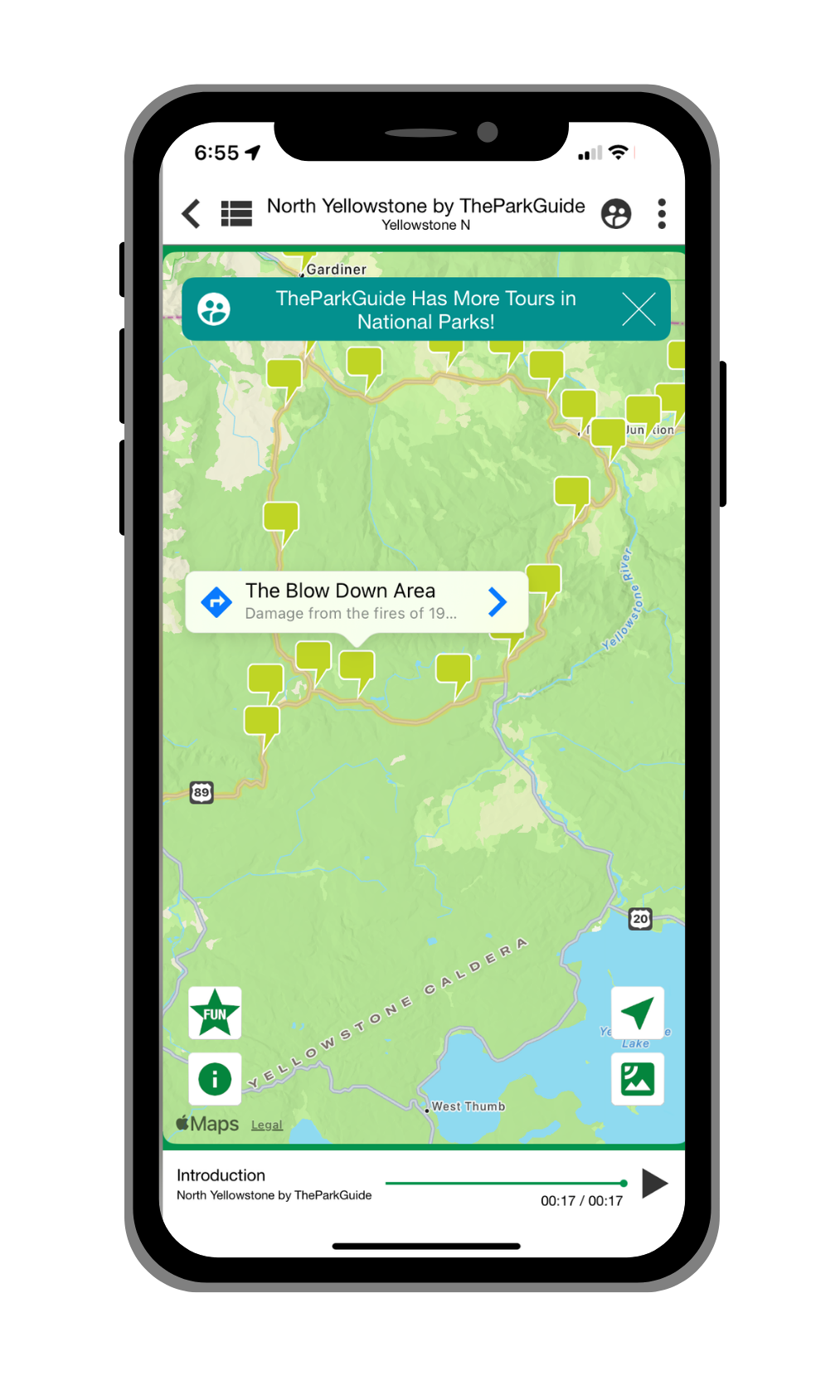
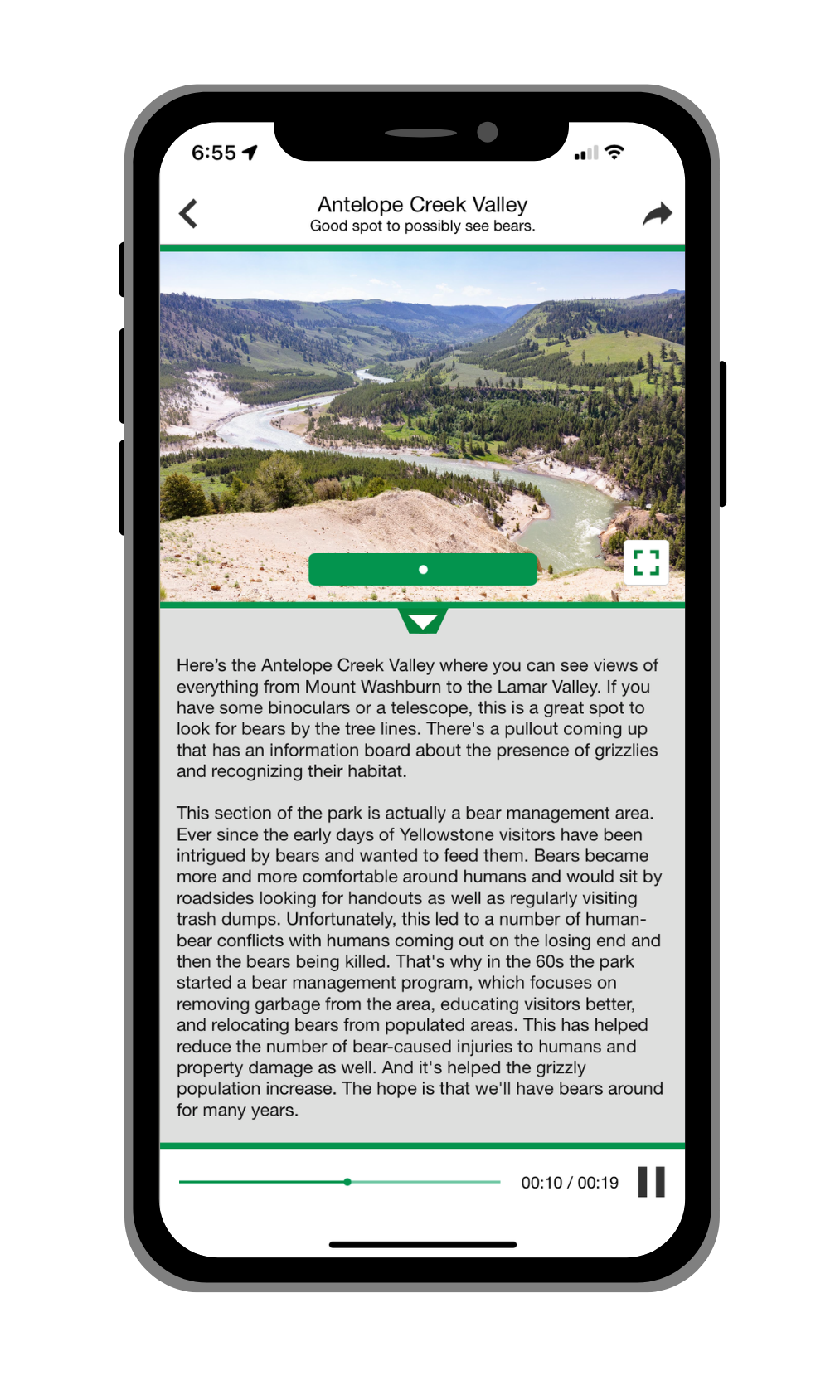
TheParkGuide tours are powered by TravelStorys, the leading platform for GPS-triggered audio tours. TravelStorys uses your phone's GPS to automatically play stories as you drive, hike, or ride through the park—no buttons to press, no screens to watch. Just listen and enjoy.
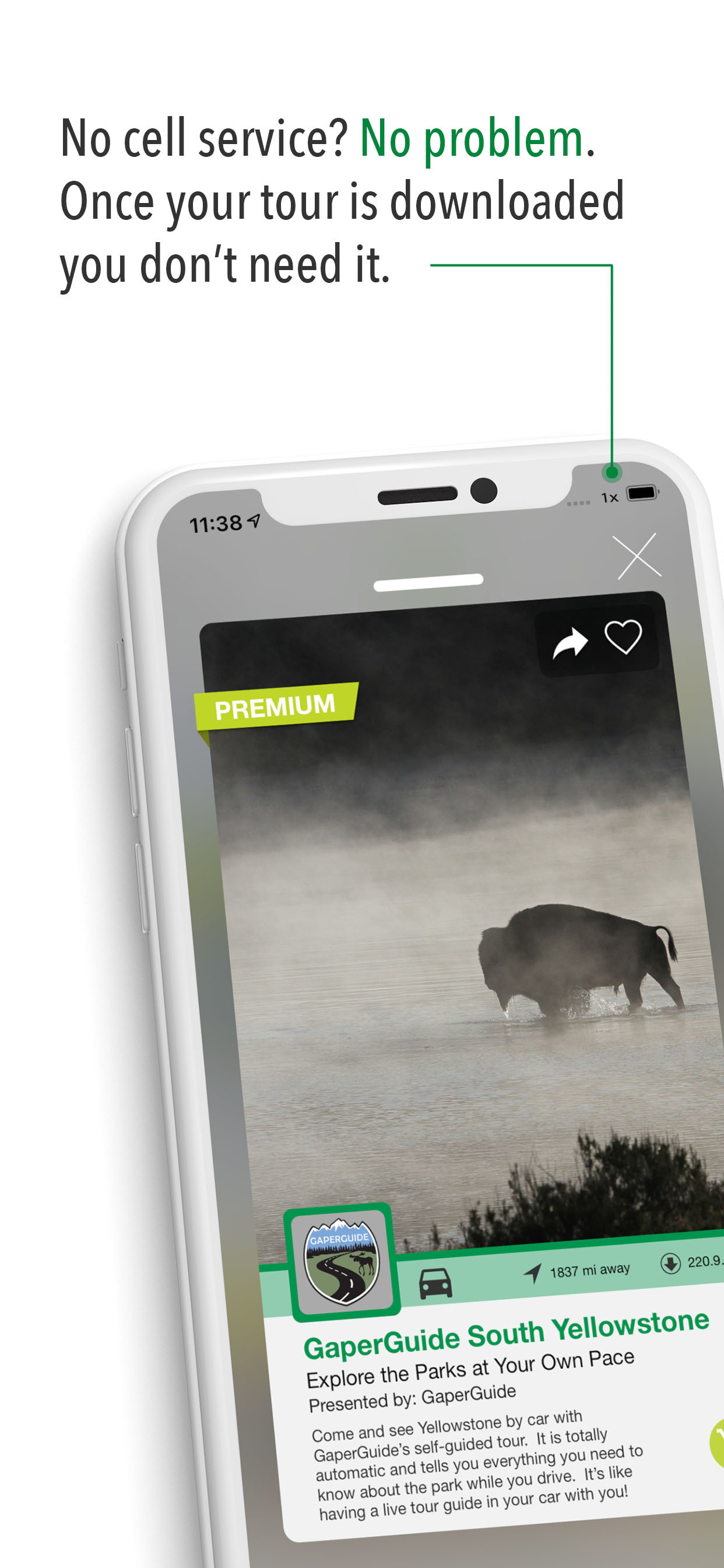
When you purchase a TheParkGuide tour, you'll use the free TravelStorys app to download and play it. The app works completely offline, so you don't need cell service in the park.
Two Ways to Get the Tour
Purchase on the Website
Buy your tour on our website, then download the free TravelStorys app to redeem and play it.
The process should be intuitive and instructions will be given at each juncture, but if you're the type that likes to read the instruction manual before playing with new gear, here you go:
- Click "buy" on the tour of your choice.
- You'll be transferred to the secure TravelStorys checkout site.
- After tapping proceed to checkout, you will be prompted to create a TravelStorys account or login if you already have one. (Remember your account info because you will use this again on the TravelStorys app to log into your account, where your tour will be unlocked.)
- Choose your favorite method of payment. And purchase.
- After a successful purchase, check your email for instructions from TravelStorysGPS.
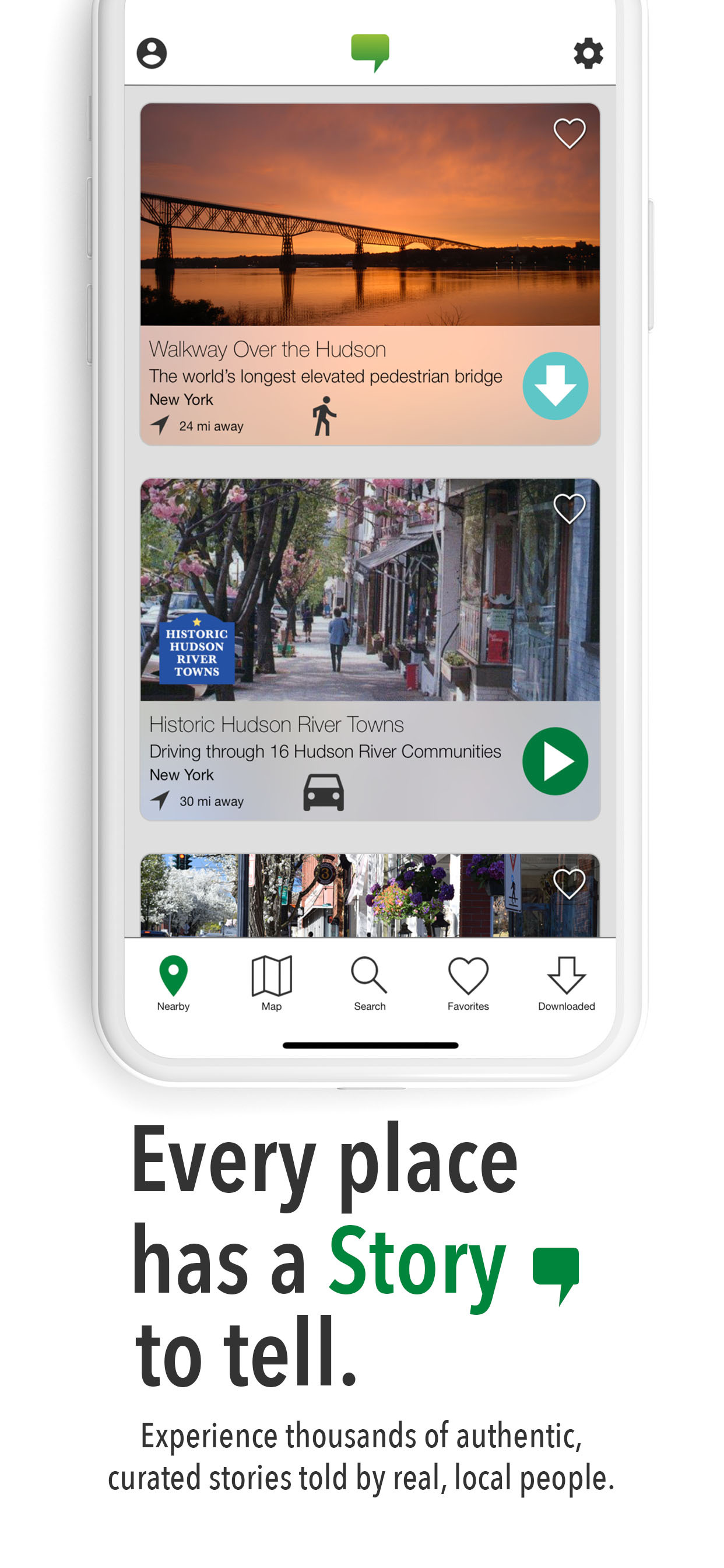
- Download the TravelStorys App.
- Log into your account (the one you created in step 3) by tapping on the icon that looks like a person in the upper right corner of the TravelStorys app.
- Your purchased tour should be at the top of your tour list unlocked and ready for download.
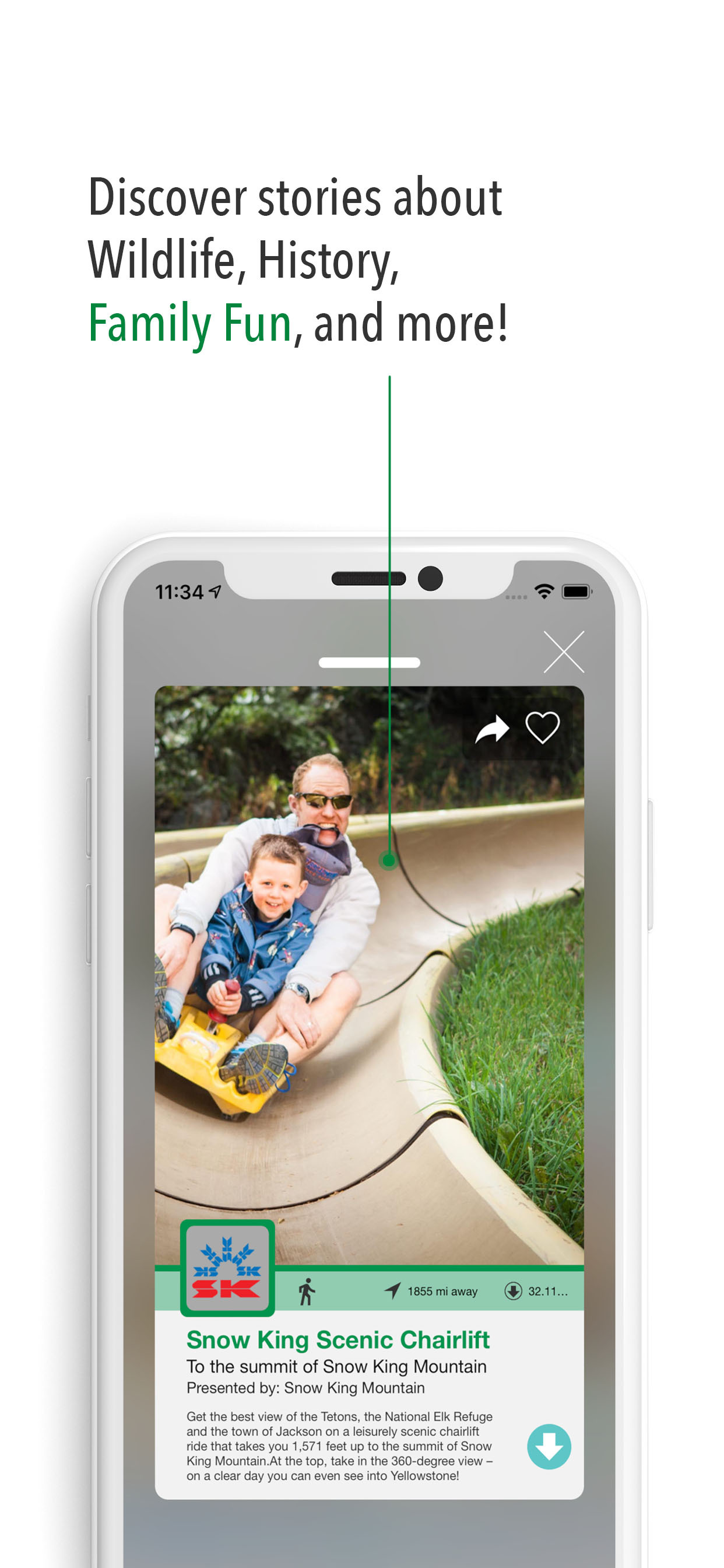
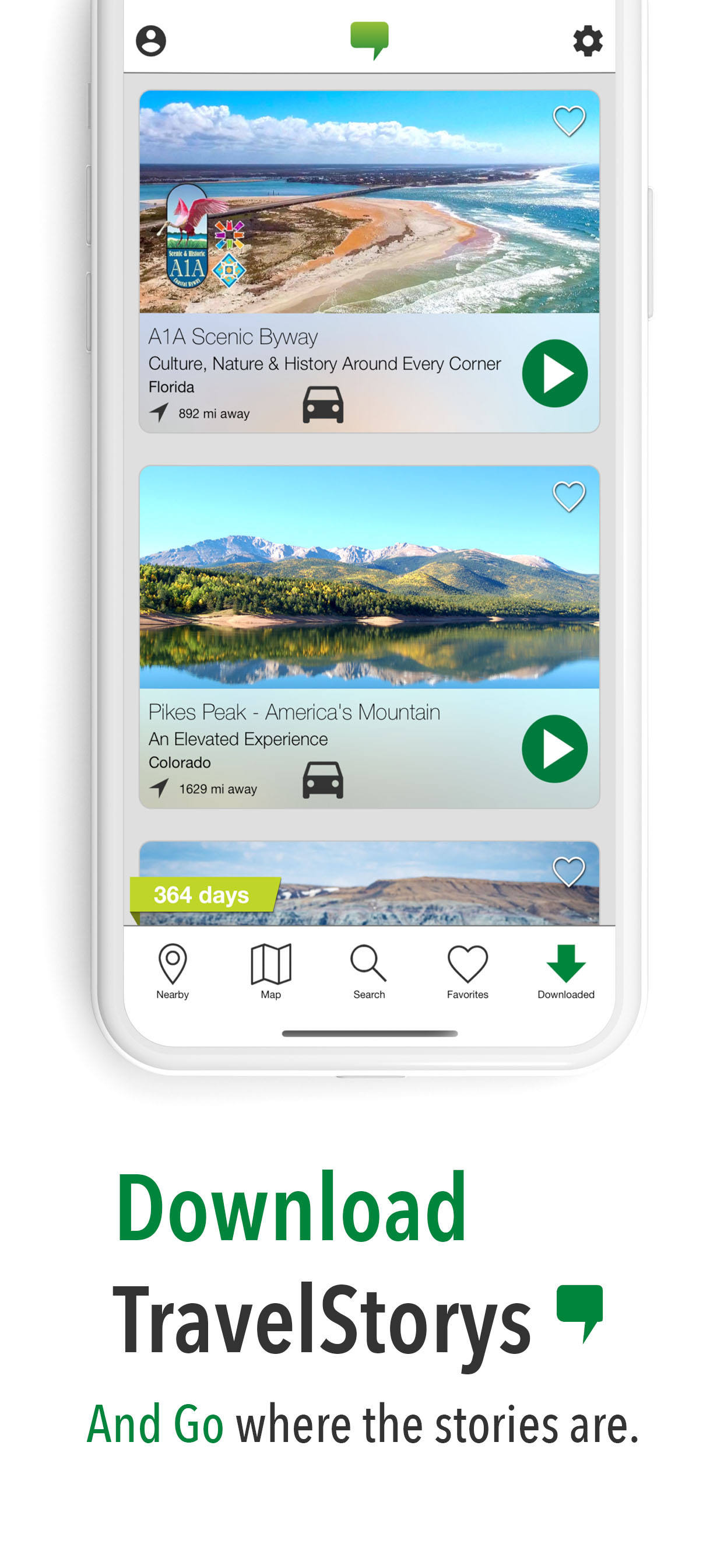
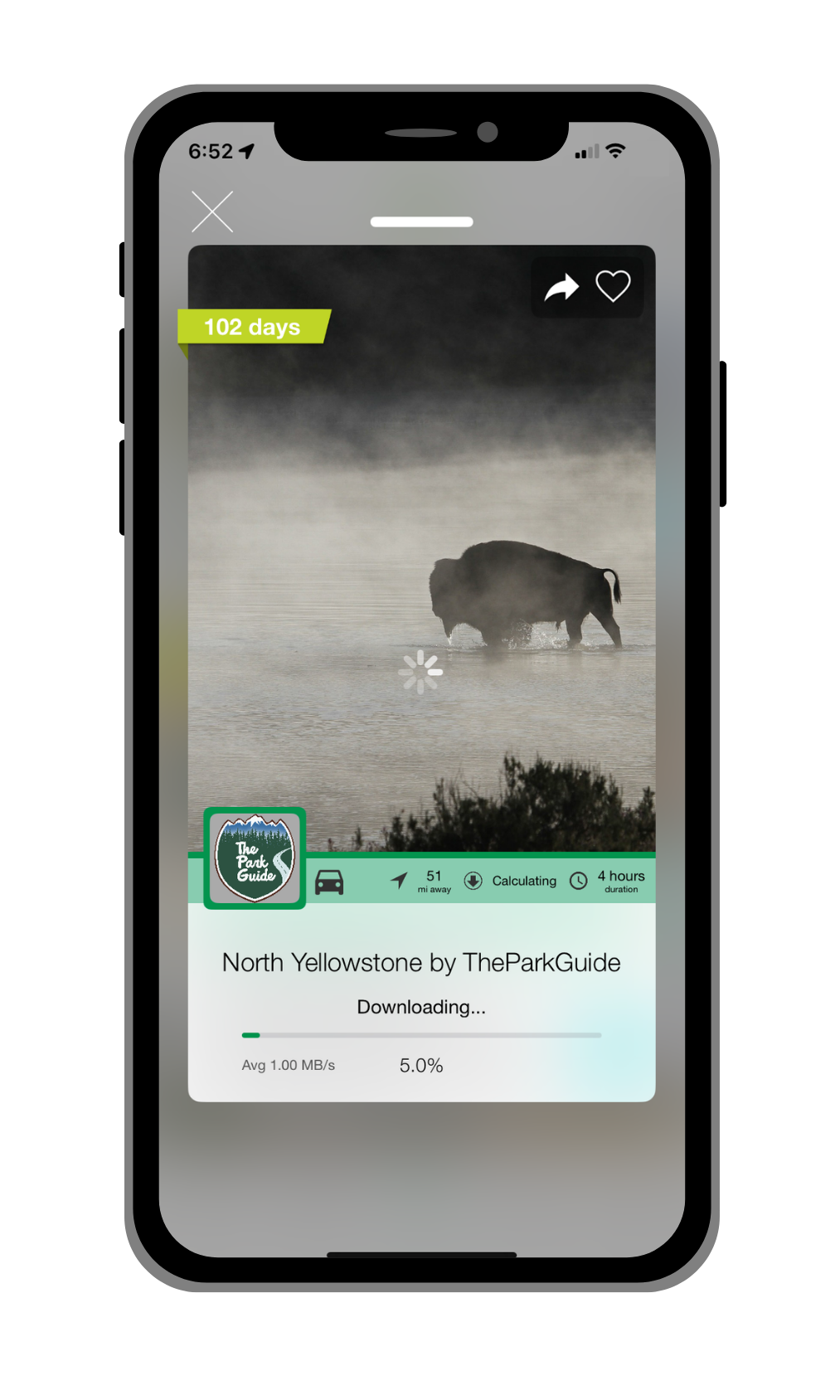
- Download the tour. THIS IS VERY IMPORTANT! The tours are big and National Parks have very little service. Tap the blue download button on the tour. Once the tour is downloaded, the blue arrow will turn into a green play button.
- When you're ready to start the tour, tap the green play button and drive along the route. Stories will play automatically as you drive.
Purchase in the App
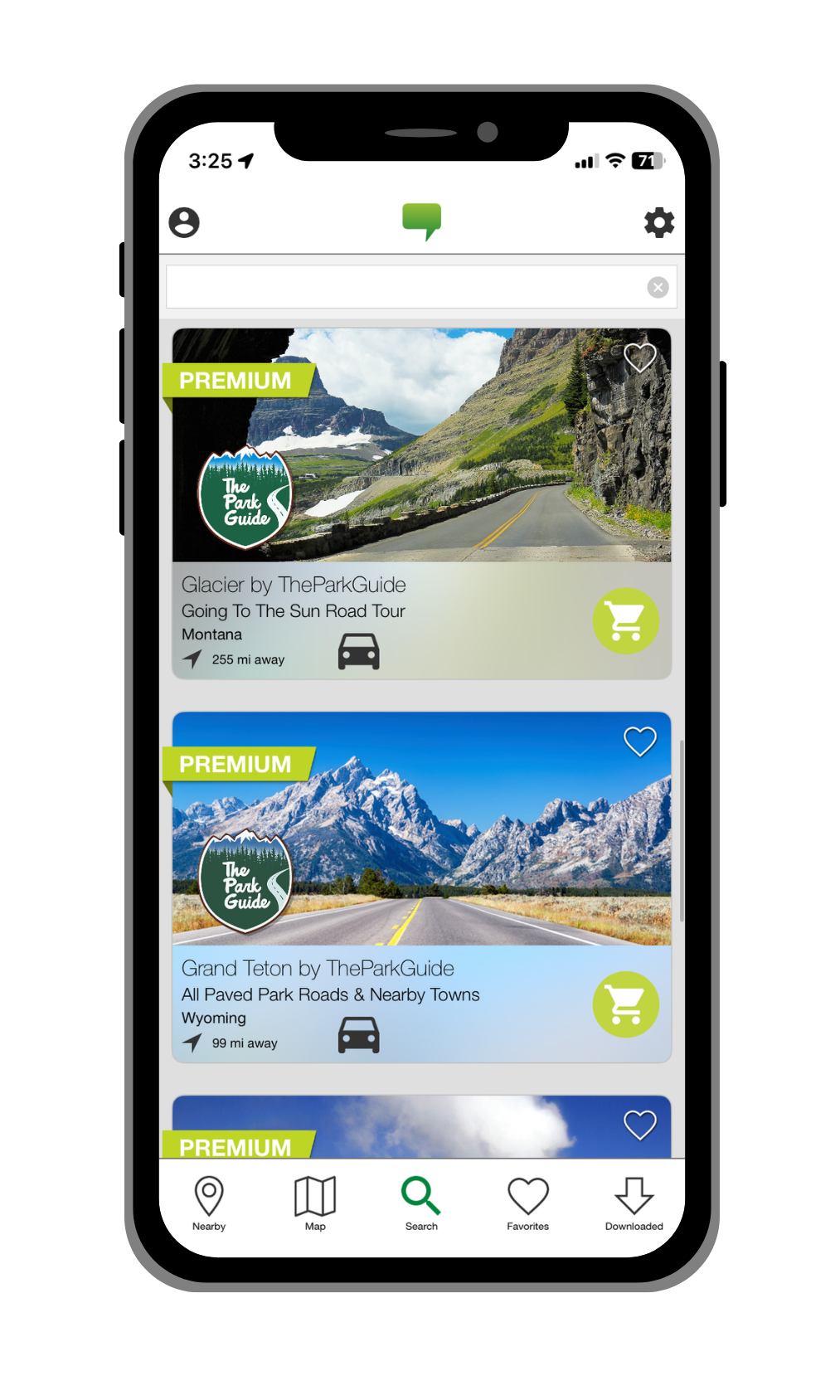
Download the TravelStorys app, find TheParkGuide tours, and purchase directly.
- Download the TravelStorys app.
- Create a TravelStorys account.
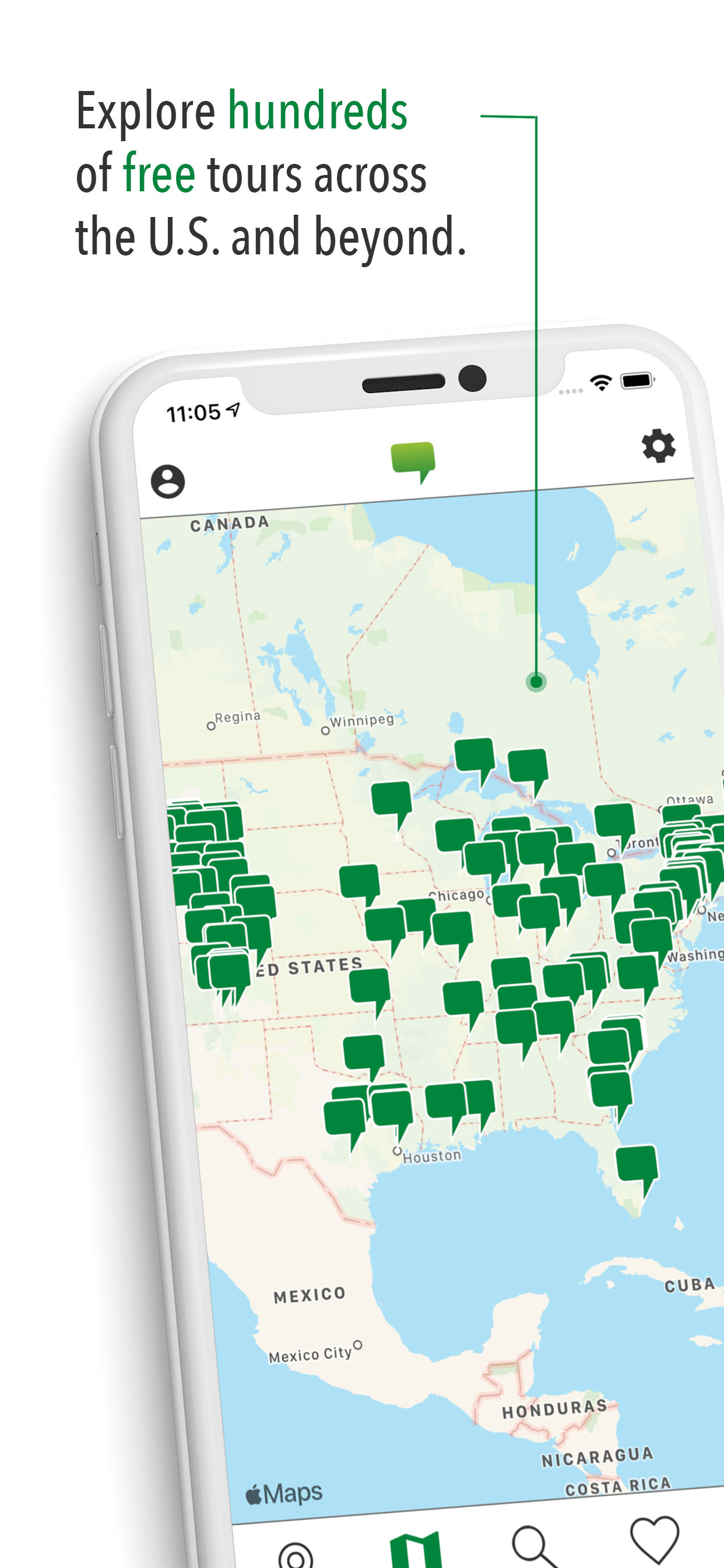
- Search for "TheParkGuide" or browse the tour catalog to find the tour you want.
- Tap on the tour and select purchase. Complete the transaction through the app store.
- Your purchased tour should now appear at the top of your tour list unlocked and ready for download.
- Download the tour. THIS IS VERY IMPORTANT! The tours are big and National Parks have very little service. Tap the blue download button on the tour. Once the tour is downloaded, the blue arrow will turn into a green play button.
- When you're ready to start the tour, tap the green play button and drive along the route. Stories will play automatically as you drive.
Using Your Tour
Once your tour is downloaded, using it is simple:
- Open the TravelStorys app and select your downloaded tour.
- Press the green play button to start the tour.
- Drive and enjoy! Stories will trigger automatically based on your GPS location as you travel through the park.
No wifi or cell service needed - Once downloaded, the tour works completely offline.
Troubleshooting
Tour not playing?
- Make sure location services are enabled for the TravelStorys app.
- Ensure the tour is fully downloaded (not just purchased).
- Check that your phone's volume is turned up.
- Check to see if bluetooth is routing the audio to a different output, like your earbuds.
- Make sure the green play button has been pressed to activate the tour.
Can't find your redemption email?
- Check your spam or junk folder.
- Search for emails from "TravelStorys".
- If you still can't find it, contact us below.
App issues?
- Make sure you are logged into your account.
- Make sure you have the latest version of the TravelStorys app.
- Try closing and reopening the app.
- Restart your phone if problems persist.
Still Need Help?
Contact us at hello@theparkguide.com or call (307) 733-4626.
For TravelStorys app-specific issues, visit TravelStorys Support.